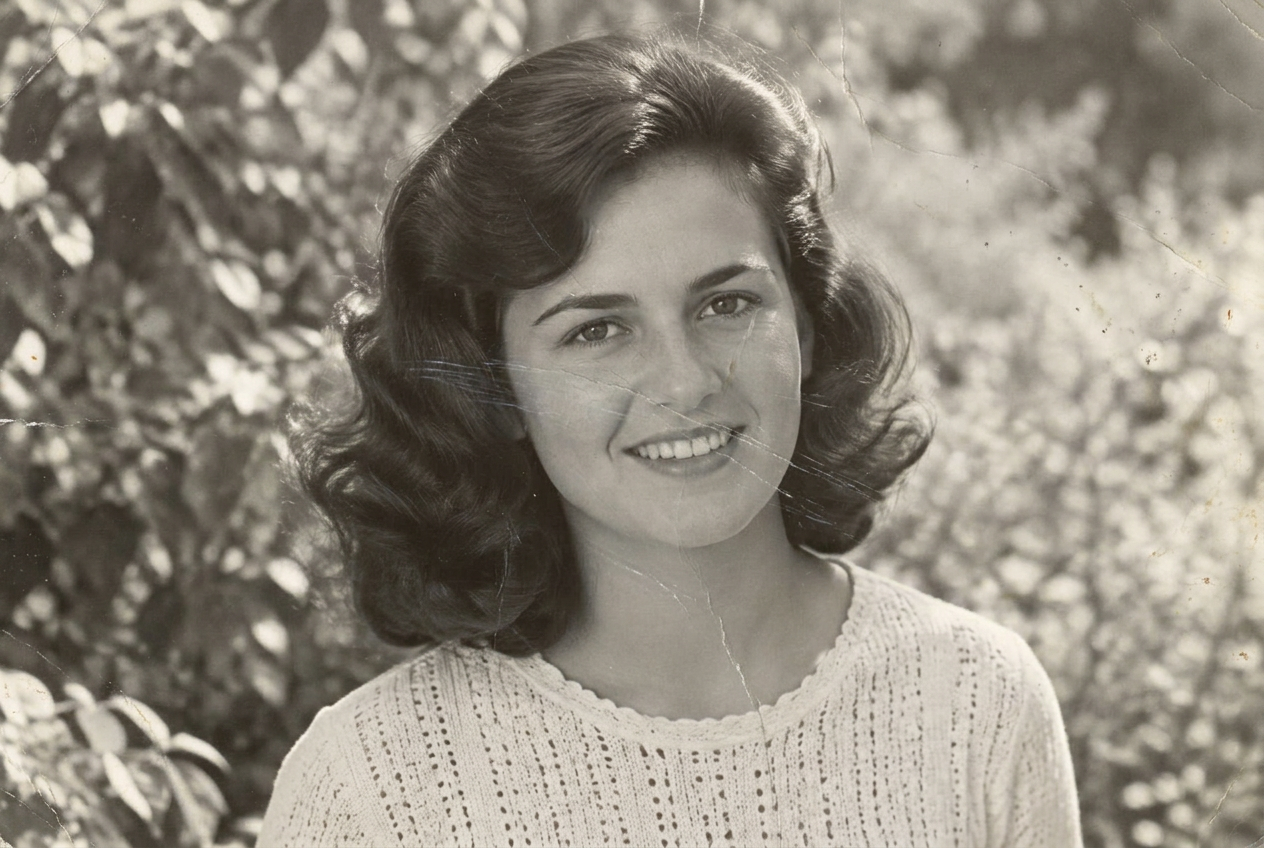
Colorization starts on its own when you add a photo. This button runs it again. A real AI pass usually takes under a minute.
The damage check and “Colorize with AI” are real Lovable AI. The three filter buttons are quick local colour and contrast previews; 4K upscaling is not connected.
MORE THAN PIXELS. YOUR PEOPLE.
Revitalize your legacy in 3 steps.
For the faces you remember. And the stories you never want to lose.
01
Upload Photo
Choose a photo or capture one with your camera.
02
AI Damage Check
Lovable AI tells you what it sees and picks a preview.
03
Download or Share
Keep your memory or share a branded copy.
A LITTLE CLARITY
Your memories matter. So do your questions.
Everything you need to know before you begin.
Private by design. Always.
Your photos stay yours.
RestoPix stores no photos. A small copy goes to Lovable AI for the damage check and a reduced-size copy for the AI colorization; neither is kept. Account names and avatars are saved securely, guest access stays on this device, and sharing opens your device’s sharing options or downloads a copy.